Best SD Card for a Dash Cam: What to Look For
A dash cam is only as reliable as the memory card inside it. Dash cams write video constantly and sit...
 By Dash Cam & Safety Desk
Updated October 3, 2026
By Dash Cam & Safety Desk
Updated October 3, 2026
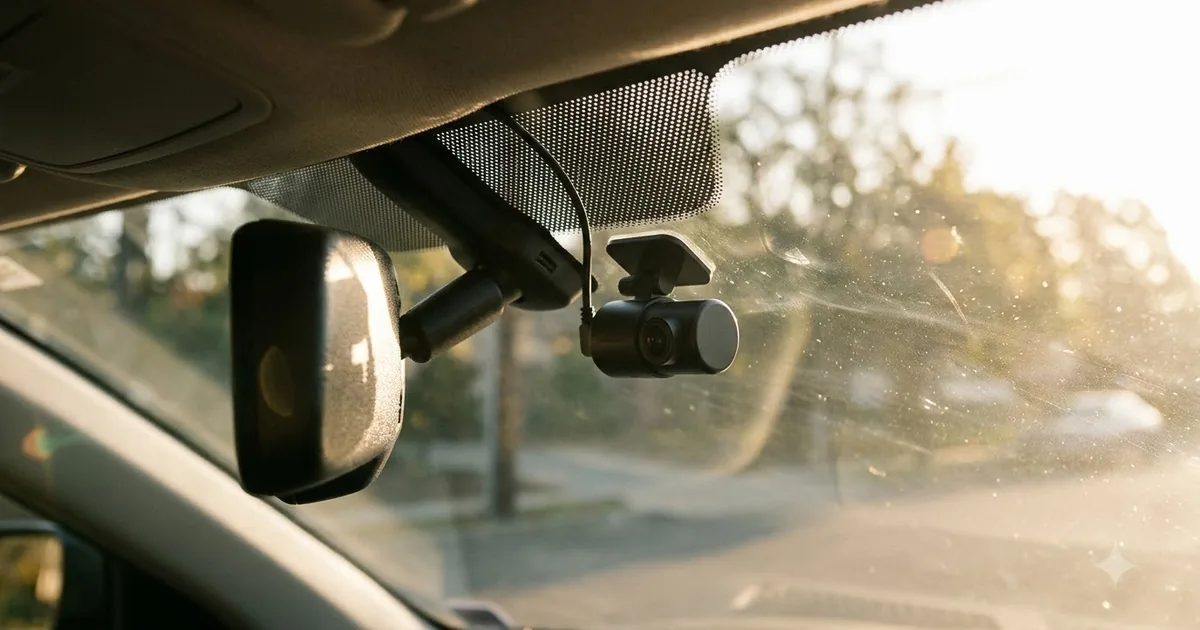
A dash cam is only as reliable as the memory card inside it. Dash cams write video constantly and sit in a hot car, which is hard on cheap cards. This guide explains what to look for.
This guide is based on published specifications, manufacturer information and buyer feedback. We do not claim hands-on testing. Always follow your vehicle manual and local laws.
Why dash cams need a special card
A dash cam records on a loop, writing and overwriting data all day. Standard cards are built for occasional use, such as photos, and can wear out or fail in a few months. High-endurance cards are designed for this kind of constant writing and usually for wider temperature ranges.
What to look for
- High-endurance or video-surveillance rating: made for continuous recording.
- Capacity: check the maximum your dash cam supports. Many take 128GB or 256GB; some support less.
- Speed class: U3 or V30 is a safe choice for most cameras. For 4K models, check the maker’s recommendation.
- Format: microSD is standard; confirm SDHC or SDXC support for the capacity you choose.
- Temperature range: look for cards rated for heat, since cabins can get very hot in summer.
- Brand and seller: counterfeit cards are common online. Buy from an authorised seller.
| Camera type | Card guidance |
|---|---|
| 1080p single channel | High-endurance card, 64GB to 128GB |
| Front and rear | High-endurance, 128GB or more; both channels use space |
| 4K | Larger, faster card as the maker recommends |
| Parking mode | High-endurance card and more capacity for the extra clips |
How much footage fits
It depends on resolution and bitrate. A larger card holds more hours before overwriting, but most people rely on loop recording and save important clips. Lock clips by pressing the camera’s emergency button so they are not overwritten.
Looking after the card
- Format the card in the camera every month or so to reduce errors.
- Replace it about once a year or as the maker advises, as flash memory wears out.
- If the camera shows card errors or stops recording, try a new card first.
- Do not use a card that was removed from another device without formatting it in the dash cam.
For help with the camera itself, see our dash cam buying guide and parking mode guide.
Frequently asked questions
Can I use any microSD card?
It may work for a while, but cards not designed for continuous writing tend to fail sooner.
Is bigger always better?
Not necessarily. Check your camera’s maximum supported size. A mid-size high-endurance card is often enough.
How do I spot a fake card?
Buy from reputable sellers and test the card’s real capacity with a free tool after you receive it.
How often should I replace it?
Many makers suggest every one to two years for heavy use. Replace it sooner if you see errors.
Popular buying guides
About the author
The Dash Cam & Safety Desk covers dash cams, parking mode, hardwire kits and the rules that affect recording in your car. We compare features and specifications and explain what to check before you install, including state and local laws, which vary.