USB-C Car Charger Guide: Wattage, Power Delivery and Ports
How to choose a USB-C car charger: wattage per port, Power Delivery, cables and charging two devices.
 By Connectivity & Mounts Desk
Updated October 3, 2026
By Connectivity & Mounts Desk
Updated October 3, 2026
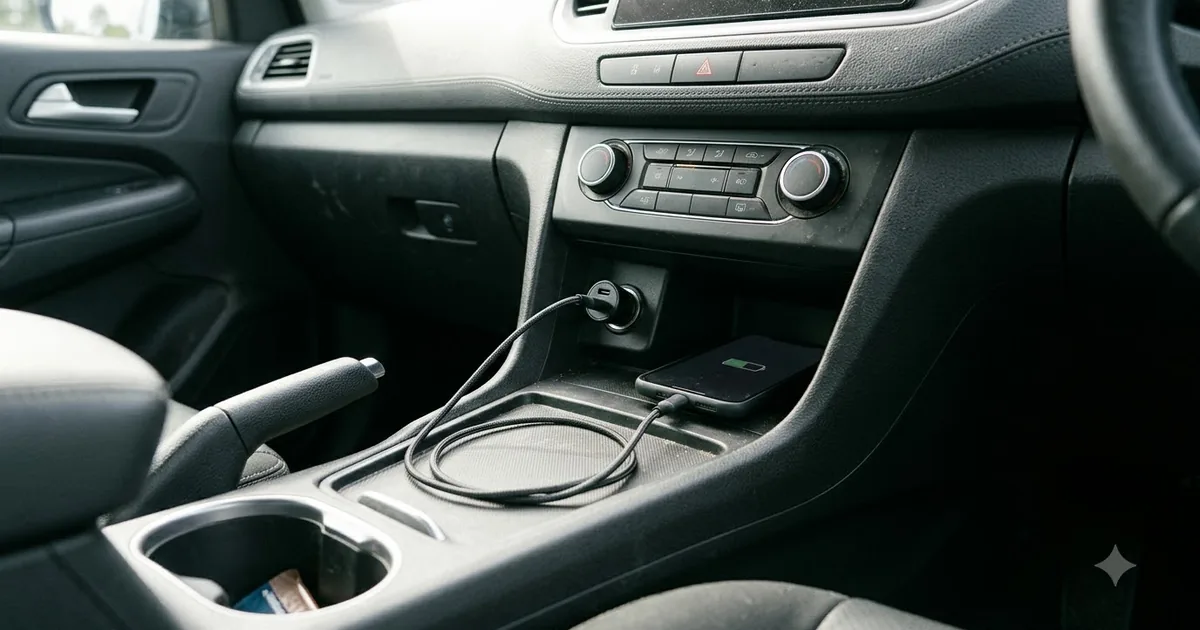
A car charger sounds simple, but wattage, ports and cables make a big difference to how fast your phone or tablet charges. This guide explains what the numbers mean and how to choose.
This guide is based on published specifications, manufacturer information and buyer feedback. We do not claim hands-on testing. Always follow your vehicle manual and local laws.
Key terms
- Watts (W): total power. Check how it is split between ports.
- USB Power Delivery (PD): a fast-charging standard used by many phones, tablets and laptops.
- PPS: a PD feature some phones use for fine voltage control; check your phone.
- Per-port output: with two ports in use, each may get less than the headline wattage.
| Device | What to look for |
|---|---|
| Phone | A PD port at the wattage your phone supports |
| Tablet | Higher wattage, often 30W or more, depending on the model |
| Laptop | A high-wattage PD port; check the laptop’s requirement |
| Two devices | A charger with two ports that states per-port output |
How to pick the right wattage
Look up your phone’s maximum charging speed in the maker’s specifications. A charger with a bit more capacity than the phone needs is fine, because the phone only draws what it can accept. Buying far more wattage than you need rarely speeds up charging, but it does leave room for a second device.
Single-port vs multi-port
Multi-port chargers are handy for passengers, but read the fine print. A 60W charger may deliver 45W on one port and drop to a lower figure on each when both are in use. If you often charge a laptop and a phone together, look for a charger that lists output with both ports active.
Do not forget the cable
A cable that is not rated for the power may slow charging. Look for cables that support PD and the wattage you want, and replace worn cables, which can cause intermittent charging.
Wireless car chargers
A wireless charging mount is convenient but usually slower than a cable and produces more heat. It works best with a phone and case that line up with the coil. See our phone mount guide for fit and stability tips.
Safety tips
- Choose chargers with over-current and over-heat protection.
- Do not leave the charger plugged into a hot, unattended car if the manufacturer advises against it.
- Avoid damaged or very cheap unbranded chargers.
- Check that the charger fits the socket firmly to avoid sparks or loose connections.
Frequently asked questions
Will a high-watt charger damage my phone?
Phones negotiate the power they need, so a higher-wattage charger is generally fine if it uses a recognised standard.
Why is my phone charging slowly in the car?
Check the charger wattage, the cable and whether another device shares the power. Heat from sun or a running navigation app can also slow charging.
USB-A or USB-C?
USB-C with PD is the usual choice for fast charging. USB-A is fine for slower charging.
Does a car charger drain the battery?
If the socket stays powered with the engine off, a charger draws a tiny amount. Unplug it if you leave the car for long periods.
Popular buying guides
About the author
The Connectivity & Mounts Desk covers wireless CarPlay and Android Auto adapters, phone mounts and car chargers. We focus on compatibility, setup and the details that decide whether a product fits your phone and your vehicle.