Dash Cam Buying Guide: What to Check Before You Buy
A plain-English checklist for choosing a dash cam: video quality, field of view, parking mode, storage and power.
 By Dash Cam & Safety Desk
Updated October 2, 2026
By Dash Cam & Safety Desk
Updated October 2, 2026
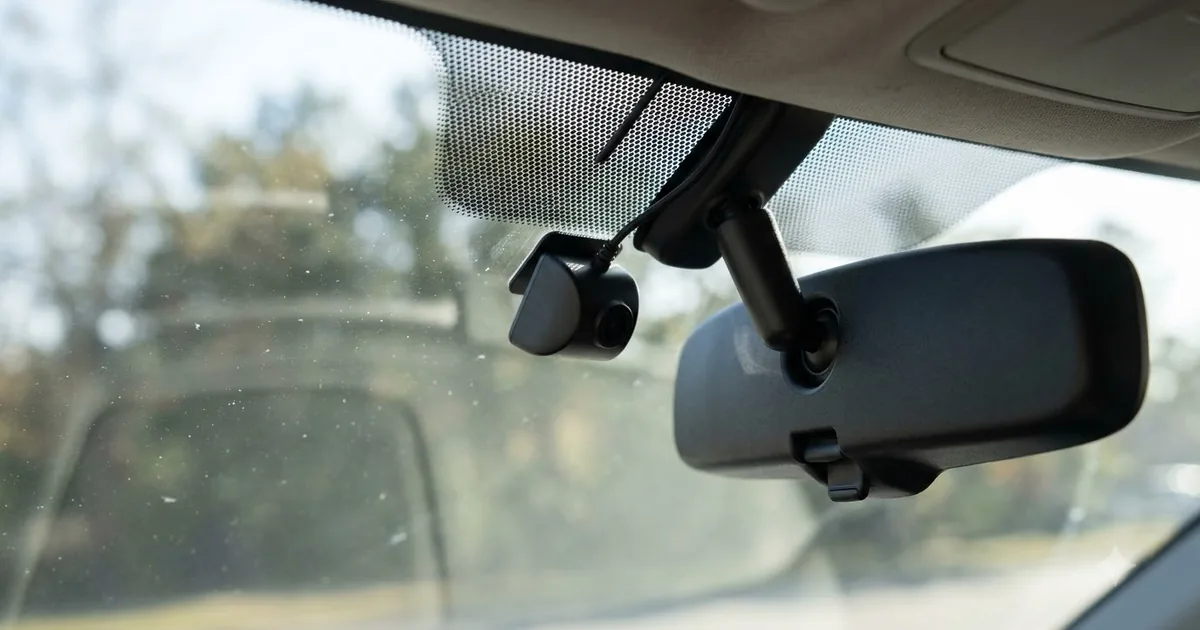
A dash cam records the road ahead, and sometimes the rear and the cabin, so you have video if something happens. The market is crowded and spec sheets are full of jargon. This guide explains the features that matter and the trade-offs behind them, so you can narrow your options before you shop.
This guide is based on published specifications, manufacturer information and buyer feedback. We do not claim hands-on testing. Always follow your vehicle manual and local laws.
Front-only, dual or three-channel
A front-only camera is the simplest and cheapest to install. A dual-channel setup adds a rear camera for rear-end collisions. A three-channel system adds an interior camera, which is mostly of interest to ride-share and delivery drivers. More cameras mean more cables and more storage used.
Video resolution and image quality
Resolution is only part of the picture. 1080p can be enough for general footage, while 2K and 4K give more detail when reading license plates, but only if the sensor, lens and processing are good. Look at the sensor type, aperture, HDR or WDR support and sample night footage rather than the resolution number alone.
| Feature | Why it matters | What to look for |
|---|---|---|
| Resolution | Detail in the footage | 1080p minimum; 2K or 4K for more detail |
| Sensor and lens | Night and low-light video | Low-light sensor, wide aperture, HDR/WDR |
| Field of view | How much of the road is captured | About 140 to 160 degrees is common; very wide lenses can distort |
| Frame rate | Smoothness of motion | 30 fps is typical |
| Loop recording | Overwrites old footage automatically | Should protect locked event clips |
Storage
Dash cams record to microSD cards. Constant rewriting wears out ordinary cards, so look for cards sold as high endurance and check the maximum capacity your camera supports. Higher resolution and multiple channels fill a card faster. Format the card in the camera from time to time as the manufacturer recommends.
Parking mode and power
Parking mode records while the car is off, triggered by motion or impact. It needs power from a hardwire kit or a separate battery pack, because a cigarette-lighter outlet often switches off with the ignition. A hardwire kit with a low-voltage cutoff protects your car battery. See our guide to dash cam parking mode for details.
Other features worth comparing
- Wi-Fi and app: lets you review and save clips on your phone.
- GPS: adds location and speed to the footage.
- Supercapacitor vs battery: supercapacitors are generally considered better in hot climates.
- Screen: useful for aiming the camera, not essential once it is set up.
- Mount: adhesive mounts tend to be steadier; suction mounts are easier to move between cars.
Check your local rules first
Where you can mount a dash cam, and whether you can record audio, depends on where you live. Read our summary of dash cam laws by state before you install.
Frequently asked questions
Do I need a rear camera?
A rear camera adds coverage for rear-end collisions. If you mostly want to record the road ahead, a front-only camera is simpler.
Is 4K worth it?
It can give more detail, but sensor quality and night performance matter as much as the resolution number. A good 2K camera can beat a poor 4K one.
Will a dash cam drain my car battery?
Only if it runs in parking mode without protection. A hardwire kit with a voltage cutoff is designed to stop recording before the battery gets too low.
How long does a memory card last?
It depends on the card and how much you record. High-endurance cards are built for constant rewriting, but all cards wear out, so replace them as the manufacturer advises.
Popular buying guides
About the author
The Dash Cam & Safety Desk covers dash cams, parking mode, hardwire kits and the rules that affect recording in your car. We compare features and specifications and explain what to check before you install, including state and local laws, which vary.